
In the vibrant world of game progress, where creativity meets technology, two engines stand at the forefront: Unreal engine and Unity. Each platform offers a unique canvas for artists and developers to breathe life into their visions, but they do so with distinct tools, philosophies, and aesthetic capabilities. As virtual landscapes expand and gameplay becomes more intricate, the choice between these powerful engines can substantially influence the artistic direction of a project. In this article, we’ll delve into the intricacies of Unreal Engine and unity, comparing their strengths and weaknesses in the realm of game art. By exploring their features, capabilities, and community resources, we aim to illuminate the paths that both seasoned developers and aspiring artists can take in choosing the right engine for their creative journey. Whether you’re aiming for photorealism or a stylized masterpiece, understanding the nuances of these platforms is essential to crafting compelling gaming experiences.
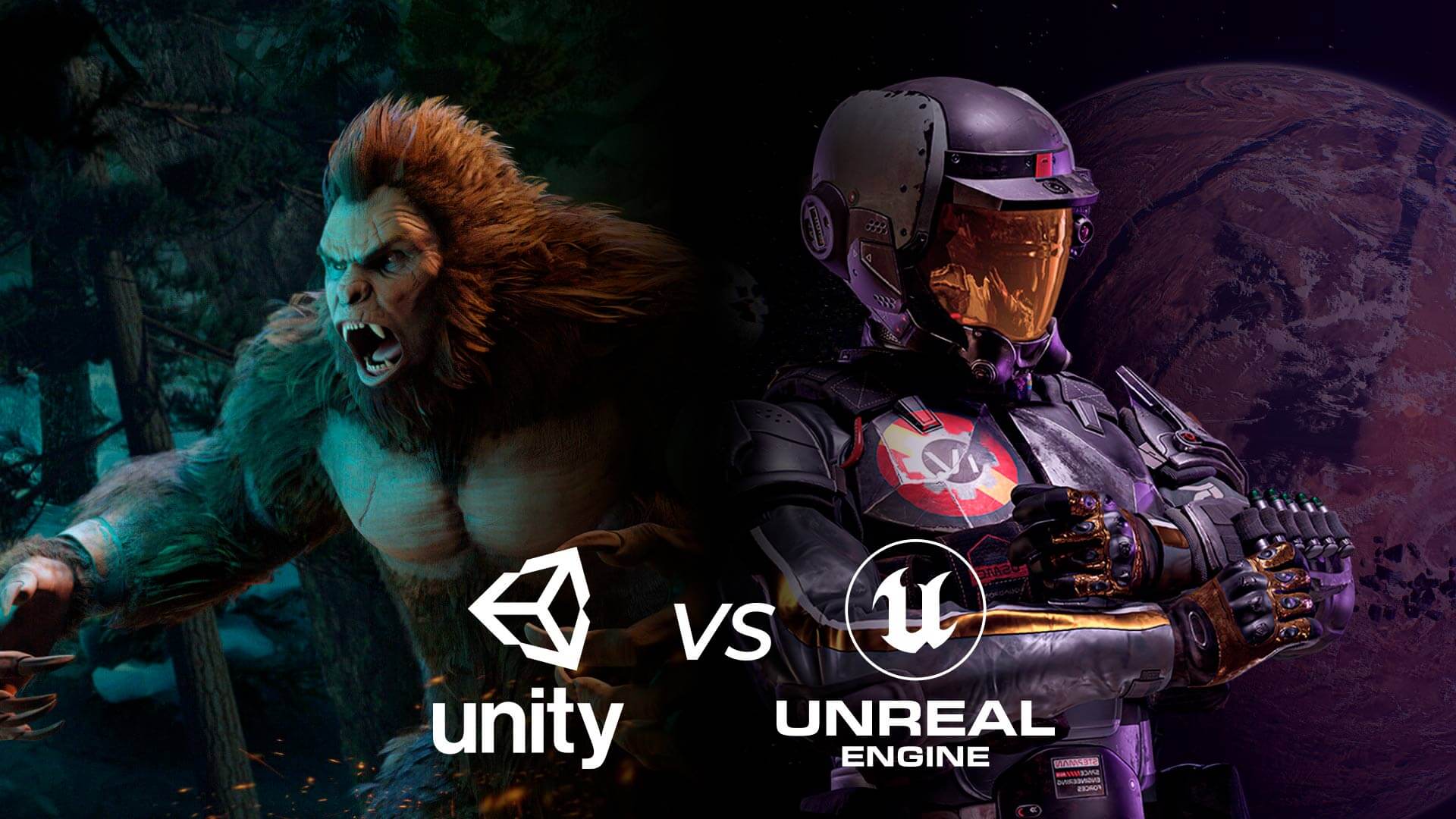
Understanding Core Visual Capabilities in Unreal Engine and Unity
When diving into the realm of game development, understanding the essential visual capabilities of both Unreal Engine and Unity is essential for artists and developers. Unreal Engine excels with its advanced rendering technology and photorealistic capabilities,making it a prime choice for projects that demand high graphical fidelity. With the introduction of features like nanite, Unreal Engine allows artists to utilize geometric detail without the usual constraints, enabling a more efficient workflow with assets of unprecedented quality.Moreover, Lumen, its global illumination system, simulates realistic light interactions, enhancing the realism of scenes with dynamic lighting scenarios. This is particularly beneficial for creating immersive environments that draw players into the gameplay experience.
Conversely, Unity offers a robust suite of tools designed for versatility and versatility, appealing to developers seeking swift iteration cycles. Its Universal Render Pipeline (URP) and High definition Render Pipeline (HDRP) cater to a wide range of graphic requirements, empowering developers to fine-tune performance based on their target platform. Artists can benefit from tools like Shader Graph, which simplifies the creation of complex shaders through a visual interface, promoting creativity without the steep learning curve often associated with coding. Additionally, Unity’s asset management allows for easy integration of third-party resources, enabling artists to experiment and customize their projects without extensive coding knowledge. Below is a concise comparison of key visual capabilities between the two engines:
| Feature | Unreal Engine | Unity |
|---|---|---|
| Rendering Quality | Photorealistic with Nanite and Lumen | Flexible (URP and HDRP) |
| Shader Creation | Material Editor with advanced features | Shader Graph for visual shader creation |
| lighting System | Dynamic global illumination | Customizable lighting solutions |
| Asset Integration | Robust asset import and management | Easy third-party resource integration |
Evaluating Workflow Efficiency: Art Creation and Asset Management
When assessing the efficiency of workflow in game art creation and asset management, both Unreal Engine and Unity offer distinctive tools and methodologies that cater to different artistic processes. Unreal Engine is widely recognized for its high fidelity, making it a preferred choice among artists who prioritize visual realism. The Blueprint system enables artists to prototype gameplay without needing extensive programming skills, allowing for quicker iterations. Moreover, its asset management system is streamlined for large-scale projects, providing clear asset referencing and an intuitive association to facilitate collaboration among teams. Artists can utilize the content Browser effectively to streamline their workflow, allowing for easy access to materials, textures, and meshes. This becomes particularly beneficial when dealing with complex levels or detailed character models, ensuring that artists can focus more on creativity rather than navigation and management.
On the other hand, Unity shines in flexibility and support for a wider range of platforms, facilitating a more diverse artistic approach. Artists in Unity can take advantage of extensive Asset Store offerings, which provide numerous pre-made assets and tools that can save time during development.Unity’s Prefabs allow for easy asset reuse, encouraging consistent style across projects and speeding up the design process. The integration with external tools, such as version control systems and graphic software, helps streamline asset management, enabling artists to work seamlessly across various applications. Additionally, Unity’s open scripting capabilities grant artists the freedom to create custom solutions tailored to their workflows, enhancing both efficiency and creativity in the art development pipeline.
Exploring Rendering Techniques: PBR and Beyond
In the realm of game development, rendering techniques serve as the backbone of visual fidelity, especially when comparing engines like Unreal Engine and Unity. Physically Based Rendering (PBR) has emerged as a standard for crafting realistic materials and lighting effects, allowing artists to achieve an unprecedented level of detail. Unlike customary rendering methods that relied heavily on art-specific adjustments, PBR uses a scientifically grounded approach. It captures the essence of how light interacts with surfaces, ensuring that metals reflect differently than non-metals and that textures remain consistent under varied lighting conditions. This results in immersive environments that draw players more deeply into the gameplay world.
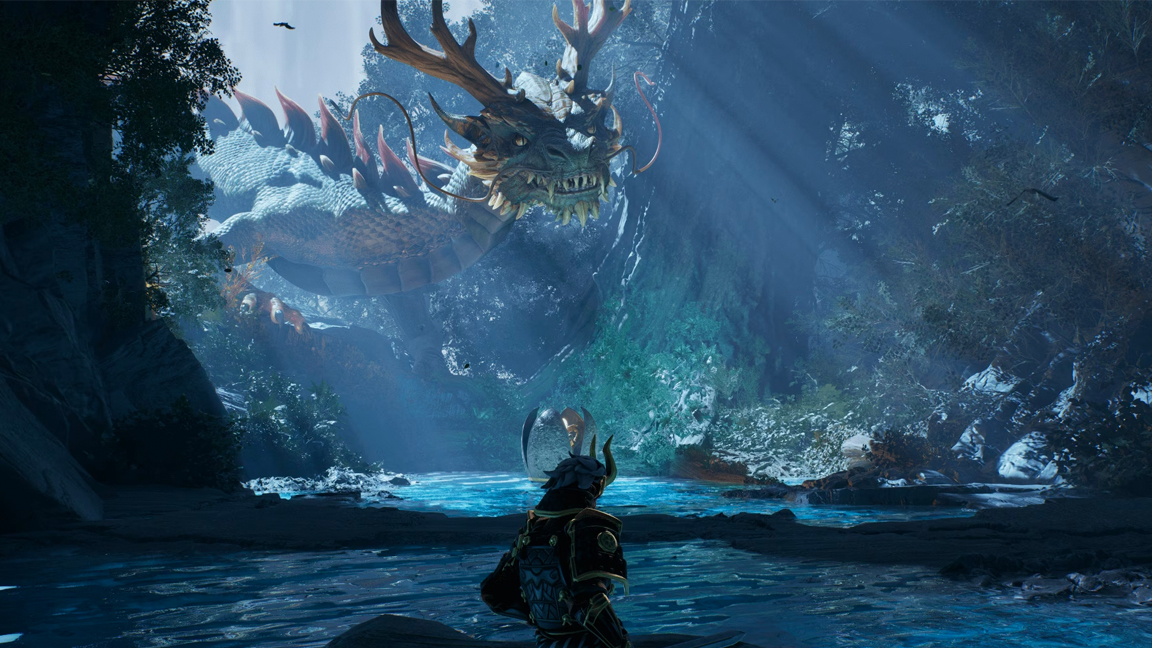
While PBR is significant, both engines have unique features that extend beyond this technique, paving the way for further advancements in rendering. As a notable example,Unreal Engine boasts an advanced global illumination system which enhances environmental lighting dynamics,contributing to more lifelike scenes. Its powerful cinematic capabilities leverage real-time ray tracing, providing artists with unparalleled realism in shadows and reflections. On the other hand, Unity is rapidly catching up with support for HDRP (High Definition Render Pipeline) and URP (Universal Render Pipeline), which allow for tailored rendering workflows suitable for various project scopes. These tools not only bolster PBR implementation but also empower artists to create stunning visuals in a flexible manner.
| Feature | Unreal Engine | Unity |
|---|---|---|
| Rendering Technique | PBR with advanced real-time ray tracing | PBR with HDRP and URP |
| Global Illumination | Dynamic and baked options | Supported in HDRP |
| Visual Quality & Performance | High-fidelity visuals | Optimized for multiple platforms |
| Shader Flexibility | Blueprints for custom shaders | C# scripting for versatility |
Assessing Community Resources and Learning Opportunities
Exploring the realm of game development requires more than just a knowledge of engines like Unreal and Unity; it demands a keen understanding of the community resources and learning opportunities available. Both platforms boast thriving communities where developers, artists, and gamers come together to share insights and skills. Engaging with these communities can significantly enhance your understanding of game art and provide valuable networking opportunities. To tap into these resources effectively, consider:
- Online Forums and Discussion Groups: Platforms like Reddit and Discord have specific channels dedicated to Unreal Engine and Unity.
- Video Tutorials: Websites like YouTube feature extensive tutorial series where experts demonstrate various techniques.
- Asset Stores: Both engines have asset stores filled with both free and premium assets that can be leveraged for art projects.
- Local Meetups and Game Jams: Participating in these events allows for hands-on experience and collaboration with fellow developers.
In addition to informal learning, structured educational opportunities are crucial for mastering game art. Many online platforms offer dedicated courses that cover both engines in depth, catering to various skill levels. For those who prefer a more traditional approach, several educational institutions have integrated Unreal and Unity into their curricula. Here’s a brief comparison of resources that could help you enhance your skills:
| Resource Type | Unreal Engine | Unity |
|---|---|---|
| online Courses | Udemy, Coursera, Epic Games academy | Udemy, Coursera, Unity learn |
| Community Forums | Unreal Engine forums, Epic Games Community | Unity Forums, Unity Connect |
| Asset Marketplace | Unreal Marketplace | Unity Asset Store |
| Certifications | Unreal Authorized Training Partner Program | Unity certified Developer Program |
By strategically engaging with these resources, you can broaden your skill set and deepen your expertise in game art, helping you make more informed decisions as you navigate your projects. Leveraging community insights and formal training will not only refine your technical skills but also help you stay updated with the latest trends and best practices. as technology progresses and the gaming scene evolves, being adaptable and well-connected can offer a significant advantage, enabling you to excel in the dynamic landscape of game development.
Making the Right Choice for Your Game Art Style and Project Needs
| Feature | Unreal Engine | Unity |
|---|---|---|
| Visual Fidelity | High | Medium |
| Art Style Flexibility | Limited | Highly Flexible |
| Ease of Use | Moderate | Beginner-Friendly |
| Asset Store | Moderate | Extensive |
Ultimately, the choice of engine can set the tone for your game art style and artistic workflow. Those leaning towards hyper-realistic graphics with complex shading and lighting may find that Unreal’s workflows empower their vision to a greater extent, while Unity’s user-friendly interface and immense resources make it a go-to option for indie developers or those experimenting with less traditional styles. Prioritizing your creative goals and understanding the strengths of each platform will help you tailor your game’s artistic endeavors to meet both project expectations and audience engagement effectively.
In Conclusion
In the world of game development, the choice between Unreal Engine and Unity often feels like standing at a crossroads, each path leading to its own enriching landscape of possibilities. As we’ve explored the nuances of game art creation in both engines, we find that each platform holds unique strengths that cater to different artistic visions and practical needs. unreal Engine dazzles with its breathtaking visual fidelity and robust tools, while Unity shines in its flexibility and accessibility, making it a favourite among indie developers and small studios.Ultimately, the decision comes down to aligning your creative aspirations with the capabilities of the engine that resonates most with you. Whether you’re gearing up for a stylized adventure or a hyper-realistic simulation, both Unreal and Unity offer a rich palette for bringing your imaginative worlds to life. As technology continues to evolve and new innovative features emerge, the landscape of game art will undoubtedly expand. So, choose your engine, harness your creativity, and embark on the exciting journey of game development—your artistry awaits!