
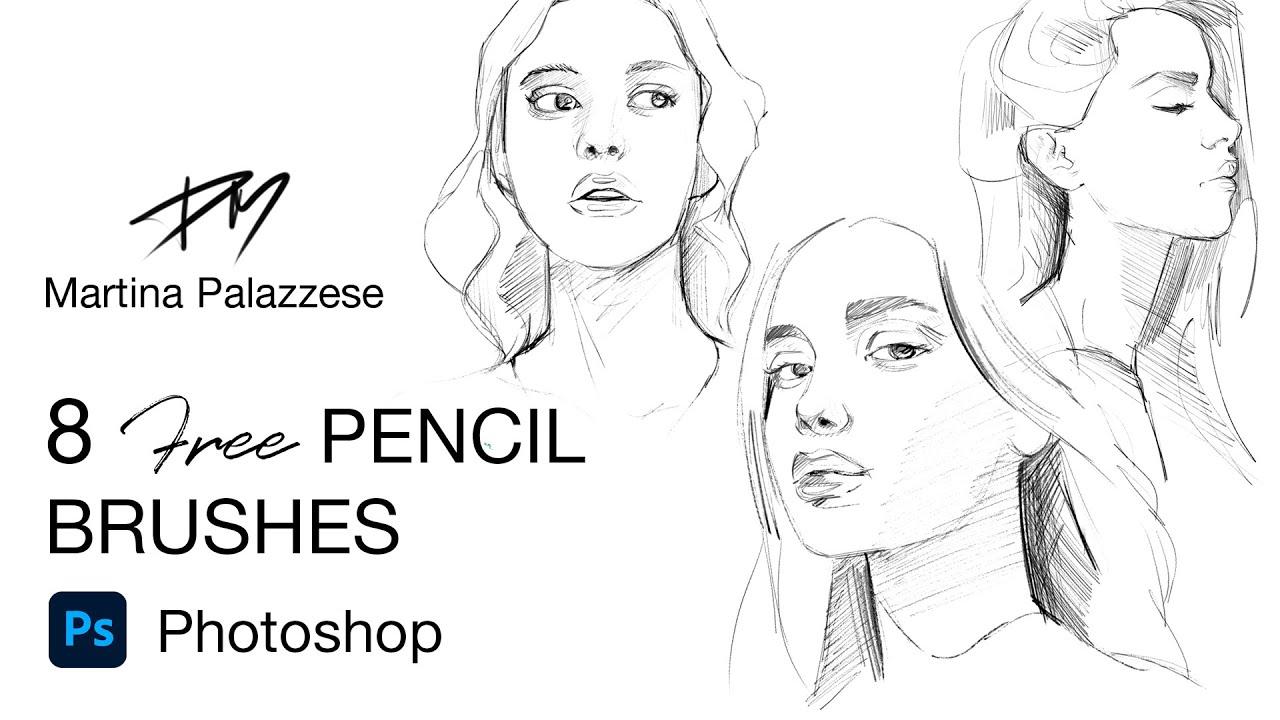
In the ever-evolving landscape of game growth, the creative process often takes center stage, where imagination meets collaboration and innovation. Artists and designers are tasked with bringing vibrant worlds, compelling characters, and captivating narratives to life, all of which begins with the foundational elements of concept art. However, the journey of turning abstract ideas into tangible visuals can sometimes feel daunting, especially without the right tools at hand. Fortunately, for aspiring game designers or seasoned professionals looking to refine their craft, a treasure trove of free brushes and tools awaits. This article explores the myriad of resources available, empowering you to unleash your creativity and craft stunning game concepts without straining your budget. Whether you’re sketching a fantastical landscape or designing a unique character, these free tools will provide the inspiration and support you need to ignite your artistic journey. Join us as we dive into the world of digital artistry and discover the essential brushes and tools that can elevate your game design experience.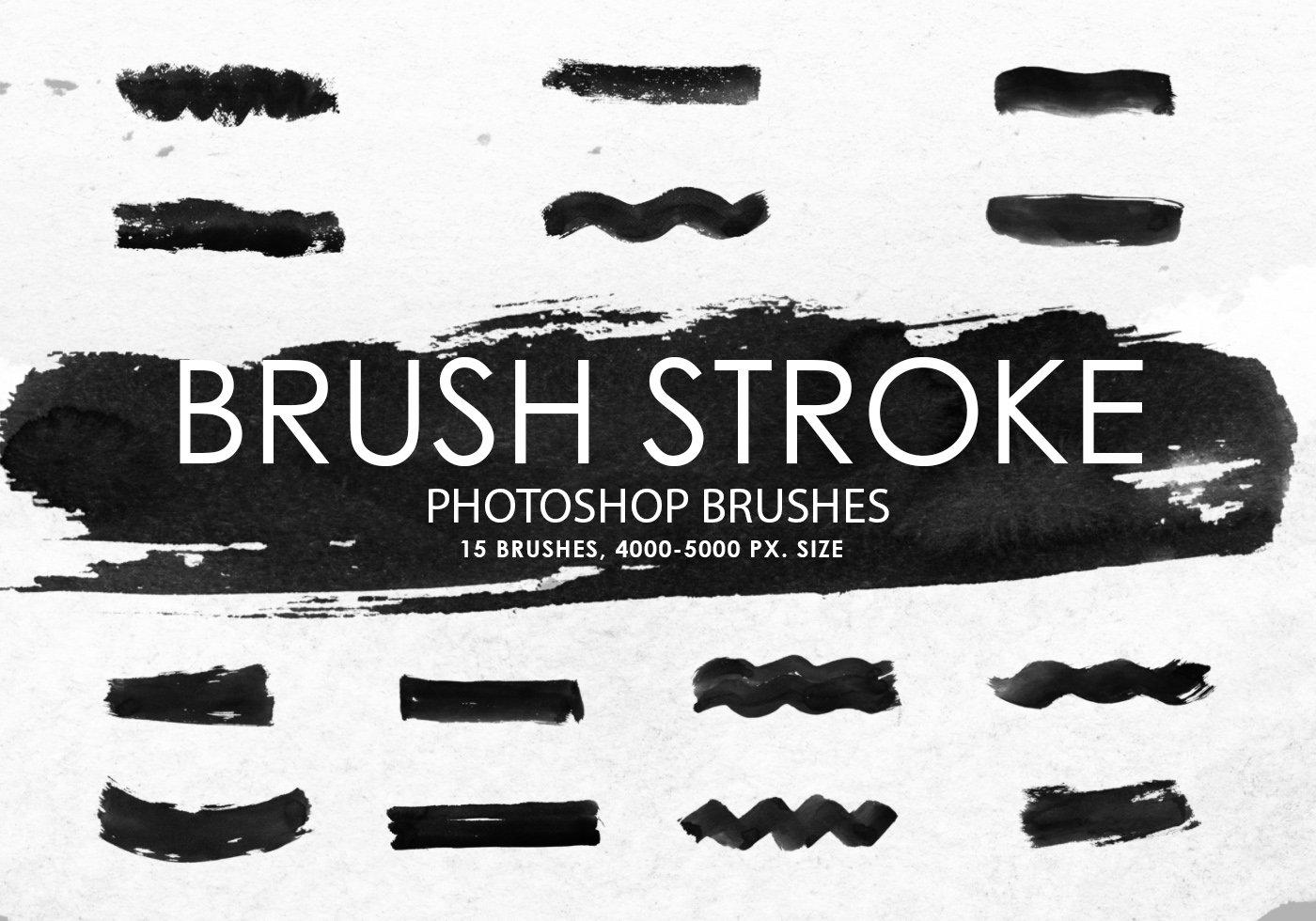
Exploring the World of Free Brushes for Game Concept Art
Unlock your artistic potential with a wide array of free brushes designed specifically for game concept art. Digital artists find themselves captivated by the sheer variety and versatility these brushes offer, allowing for greater creativity when drafting environments, characters, and intricate details. Some popular sources for top-notch free brushes include platforms like DeviantArt, BrushBox, and ArtStation, where talented artists share their creations with the community. When using these tools, consider focusing on specific themes or styles to enhance your portfolio, whether it be the gritty textures of post-apocalyptic landscapes or the vibrant color palettes of fantasy worlds.
choosing the right brushes can substantially influence your workflow, so testing and experimenting with different options helps develop a unique style that resonates with your artistic vision. To aid in this journey, here are some types of brushes worth exploring:
- Texture Brushes: Perfect for adding depth and realism to your digital paintings.
- Ink and Pen Brushes: Grate for line art and intricate detailing.
- Shape and Pattern Brushes: Useful for creating repeating elements,such as foliage or architecture.
- Watercolor Brushes: Ideal for softening edges and blending colors seamlessly.
| Brush Type | Use Case | Recommended Source |
|---|---|---|
| Texture Brushes | Backgrounds and Surface Detail | DeviantArt |
| Ink Brushes | Character Outlines and detailing | BrushBox |
| Pattern Brushes | Foliage and Repeating Elements | ArtStation |
| Watercolor Brushes | Soft blends and Atmospheric Effects | Gumroad |
Integrating free brushes into your workflow isn’t just about expanding your toolset; it’s about embracing a community of artists who continuously inspire one another.Sharing your results and techniques on social media platforms like Instagram or Twitter can lead to constructive feedback and collaboration opportunities. Moreover, many artists create tutorials on how to make the most of these brushes, providing yet another layer of support for newcomers wanting to dive into game concept art. Explore,experiment,and let your creativity flourish while you navigate through this incredible assortment of free resources.
Essential Digital Tools Every Game Designer Should Consider
For any game designer, digital tools have become indispensable for bringing imaginative concepts to life. While many professionals invest in premium software,a treasure trove of free brushes and tools exists that can significantly enhance the development process. These resources help designers sketch,paint,and illustrate their ideas without the burden of initial costs. From Photoshop brushes to vector art tools, these programs provide a wide range of functionalities that cater to diverse artistic styles and project needs. Tools such as Krita and GIMP not only allow for extraordinary digital painting but also offer a complementary selection of brushes and textures that can transform a simple sketch into a polished concept piece.
Another critical aspect of game design is collaboration. Free digital tools also support workflow efficiency and team communication. Platforms like Trello and Miro facilitate the brainstorming process and help manage project timelines visually. Furthermore, using Inkscape for vector graphics enables designers to create scalable artworks perfect for any resolution. To make the most of these resources, consider utilizing gathering places like ArtStation or deviantart to find free brush packs created by other artists. Combine these with your unique creativity, and you’ll unlock a world of possibility for your game designs. Below is a table showcasing some essential free tools every designer might consider:
| tool Name | Type | Features |
|---|---|---|
| Krita | Digital Painting | Custom brushes, vector tools, easy interface |
| GIMP | Image Editing | Photo retouching, various plugins, layer support |
| Inkscape | Vector Graphics | Scalable designs, multiple export options, strong community |
| Trello | Project Management | Organized boards, collaboration features, multimedia support |
| Miro | Online Whiteboard | Real-time collaboration, templates, widgets |
Maximizing Creativity with Customizable Brush Packs
Unlocking the full potential of your artistic expression requires more than just traditional tools; it’s about leveraging customizable brush packs designed for your unique workflow. These brush packs empower artists to innovate and expand their creativity by allowing for a tailored drawing experience. With a plethora of options ranging from realistic textures to vibrant splashes of color, customized brushes can significantly enhance your visual storytelling, especially within the realm of game concept design.This versatility not only saves valuable time during the creation process but also invites experimentation and spontaneity, leading to unexpected and exciting outcomes.
Consider exploring various brush types to best suit your artistic vision: watercolor effects,pencil sketches,or even abstract shapes. Each category brings its unique flair, helping to convey a distinct atmosphere and mood in your game concepts. Here are some fantastic examples of customizable brush packs to consider:
- Character Design Brushes: Ideal for formulating dynamic characters with varied line weights and styles.
- Habitat Brushes: Perfect for building immersive landscapes, featuring textures that replicate natural elements.
- Detailing Brushes: Enhance your artwork with intricate details that add depth and personality.
Utilizing these brushes can also streamline your workflow by categorizing and organizing essential tools in a way that complements your creative process. By establishing a set of personalized presets, you can quickly switch between tools and styles, fostering a seamless drawing experience. Here’s a sample of how you might structure your brush sets for maximum efficiency:
| Brush Type | Functionality | Ideal Use |
|---|---|---|
| Texture Brushes | Simulate natural materials | Ground surfaces or backgrounds |
| Gradient Brushes | Create smooth transitions | Lighting effects or atmosphere |
| Pattern Brushes | Add repeated decorative elements | Fabric, wallpapers, or landscapes |
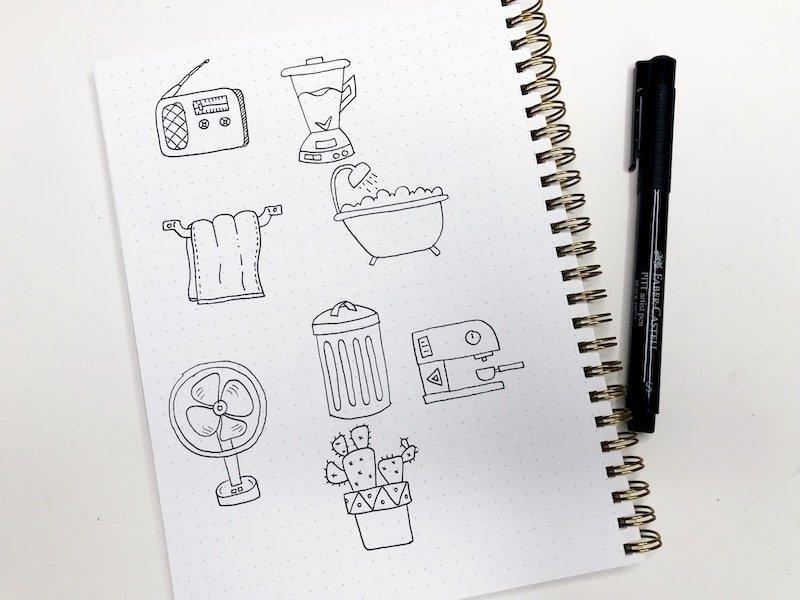
Tips for Finding and Utilizing Free Drawing Resources
When you’re exploring ways to enhance your drawing skills or develop game concepts,free online resources can be invaluable.Numerous platforms offer a rich array of tools, brushes, and tutorials that can help both novice and experienced artists elevate their work. Here are a few strategies to effectively discover and utilize these resources:
- Search for Specific Platforms: Websites like DeviantArt, Creative Market, and ArtStation frequently enough feature artists who share their DIY brushes and resources. Utilize filters to find “free” categories for quicker access.
- Utilize Social Media: Platforms like Instagram and Pinterest are treasure troves of artistic inspiration. Engaging with artists frequently leads to discovering free downloadable brushes and kits they promote.
- Join Online Communities: Forums and Facebook groups centered around digital art frequently share valuable free resources. Become an active member to receive tips and contributions from fellow artists.
- Explore YouTube tutorials: Many artists offer free brush packs in tandem with their online tutorials. Engaging with these videos can lead you directly to high-quality resources.
After you’ve gathered your favorite brushes and tools, it’s crucial to integrate them into your workflow effectively. Start by experimenting with different tools to see which align with your personal style. Significantly, many software programs, like Photoshop and Procreate, allow you to customize brushes—don’t shy away from modifying them to suit your needs. Here’s how you can maximize their potential:
- Layer Interaction: Utilize different brushes on separate layers, which allows you to modify opacity, blending modes, and adjustments without affecting your entire composition.
- Grouping Brushes: Create sets of brushes tailored to specific projects, such as character design or environmental concepts. This organisation makes your workflow more fluent and manageable.
- Incorporate Varieties: don’t limit yourself to one type; mix and match brushes to enrich textures and details in your drawings. Play with styles ranging from chalk to watercolor to discover what resonates best with your vision.
- Documentation: Keep a digital journal or folder for inspiration and notes about how certain brushes work. This habit can save time in future projects.
| resource Type | Example Platform | Notes |
|---|---|---|
| Brush Packs | Creative Market | Free packs often available for limited time |
| Tutorials | youtube | Many offer free brush downloads with lessons |
| Reference Images | Unsplash | High-quality free images for inspiration |
| Communities | Discord | Real-time sharing and support from fellow artists |
Building Your own Toolkit: Combining Free Tools for Unique Styles
creating your own unique art style for drawing game concepts can be an invigorating journey, especially when you have a toolkit brimming with free resources at your disposal. The beauty of combining various tools is that it allows you to blend techniques and artistic philosophies, giving your creations a distinctive flair. Start by exploring a range of digital brushes, which can help you achieve different textures and tones. Websites like <a href="https://www.brusheezy.com/" target="blank”>brusheezy offer an impressive collection of downloadable brushes for programs such as Photoshop and Procreate, ensuring you find the right ones to express your vision. Pair these with free vector graphics from platforms like <a href="https://www.freepik.com/" target="blank”>Freepik, which can serve as a backdrop or a point of inspiration, enhancing your overall composition.
But the toolkit doesn’t stop with brushes and vectors – incorporating color palettes and inspiration boards can dramatically elevate your game concept art. Tools like <a href="https://coolors.co/" target="blank”>Coolors allow you to generate harmonious color schemes that can add depth to your drawings.Meanwhile, sites like <a href="https://www.artstation.com/" target="blank”>ArtStation can be treasure troves of inspiration; save pieces that resonate with you and create mood boards to track themes, styles, and color schemes.By treating your collection of resources like a cohesive palette, you’ll craft artwork that doesn’t just stand out but feels uniquely yours. Here’s a quick reference table to explore a few invaluable resources and their functions:
| Resource | Function |
|---|---|
| Brusheezy | downloadable brushes for various digital art software |
| Freepik | High-quality vectors and images for background and elements |
| Coolors | Color palette generator for cohesive color schemes |
| ArtStation | Inspiration boards and a community of artists |
Closing Remarks
As we wrap up this exploration into the world of free brushes and tools for drawing game concepts, it’s clear that creativity knows no bounds when armed with the right resources. Whether you’re sketching the next big character, designing immersive landscapes, or crafting intricate assets, these tools can elevate your vision from imagination to reality. Remember, the journey of creation is not just about the final product but also about enjoying the process and learning along the way. So, dive into these resources, experiment with different styles, and let your creativity flourish. Who knows? the next game-changing concept might be just a brushstroke away! Happy drawing!